Using the Archives
Using the Archives
Did you know that your subscription comes with a large collection of magazines, videos, games, and skill sheets from past years? That’s right!
There are a lot of ways to use the archive. You can:
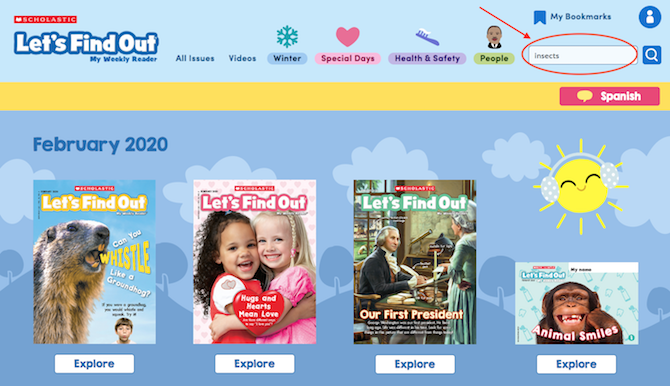
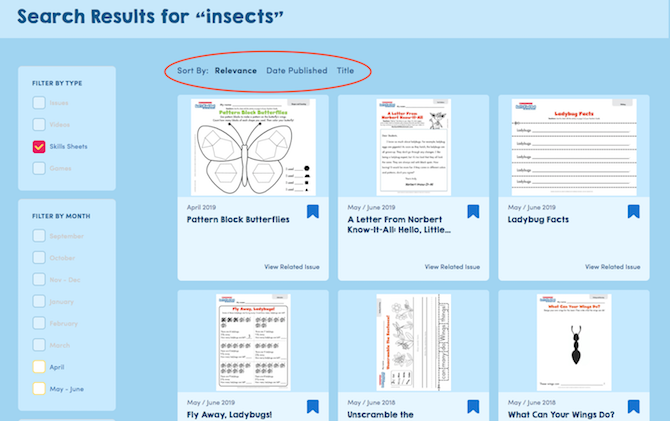
1. Search for more content related to the issue you are teaching. Let’s say you’re teaching an issue about insects. Simply type “insects” into the search bar on the upper right and click the search button.
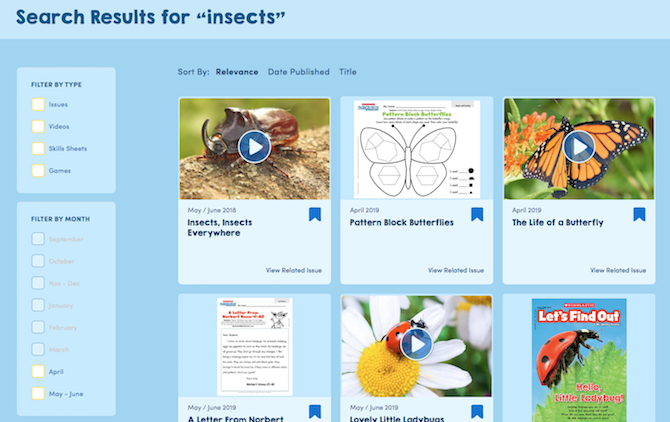
Your search results will then come up, including all our issues, videos, skill sheets, and games relating to insects!
If you are looking for a specific type of resource, just check the appropriate box on the left. For instance, you might be looking for insect-themed skill sheets.
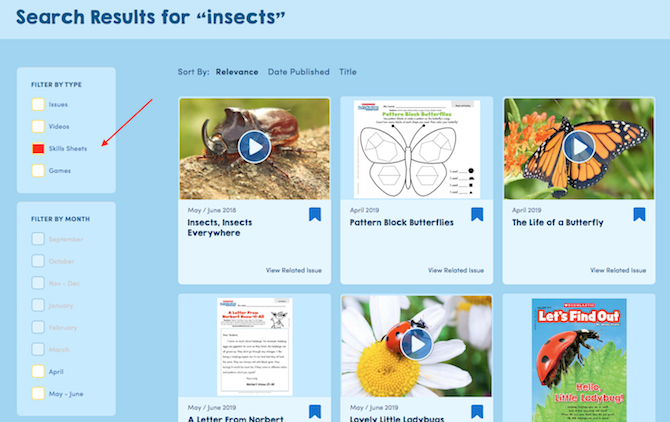
Your search results will come up with all the insect-related sheets. You can even sort them three different ways.
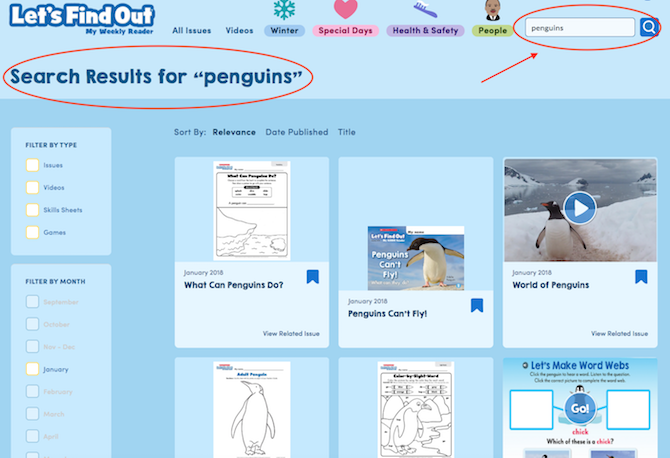
2. Reteach an issue or topic that is not in our current bundle. Let’s say that you want to teach penguins as part of your January curriculum, but we didn’t do an issue on penguins this year. Simply type “penguins” in the search bar, and all the resources will be right at your fingertips.
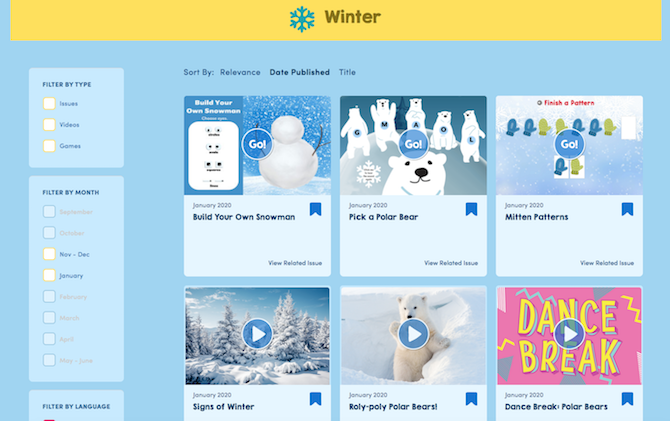
3. Create your own curriculum by theme! The menu at the top has popular themes that change throughout the year. Just click on the theme, and you’ll have tons of resources to choose from! Here’s an example of an instant winter curriculum:
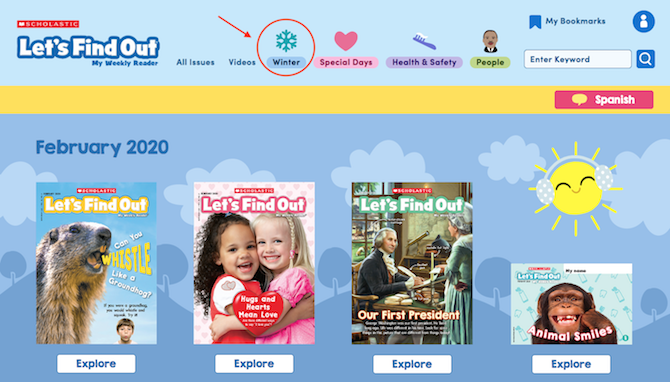
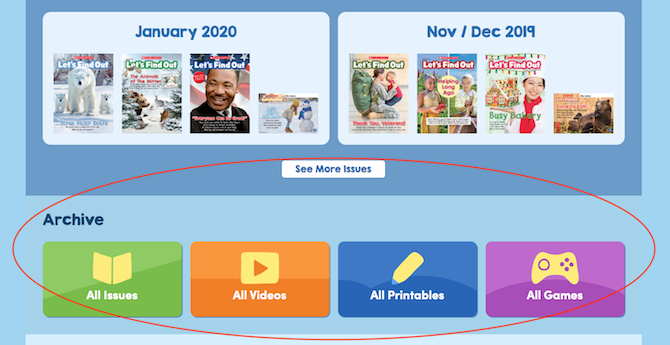
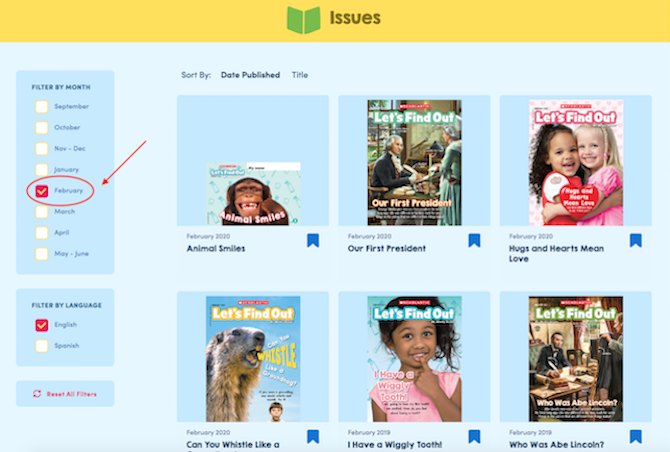
Not sure exactly what you’re looking for? Easily sort through all of our resources by type. Just scroll down to our Archive section and click! Then you can filter the results by month. Here are all the available issues for February!
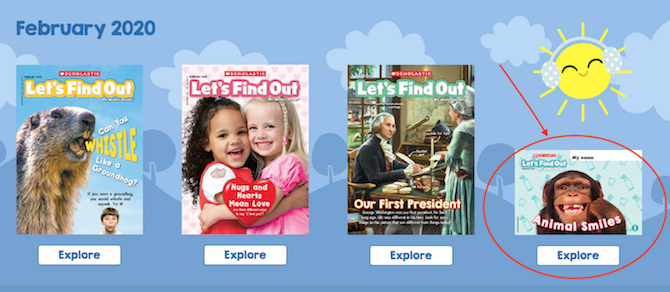
4. Save an issue to teach later. If you aren’t ready to use an issue when it arrives in the mail, save it for later. All the related videos, games, and skill sheets will be in the archive ready for you to use when you need them!
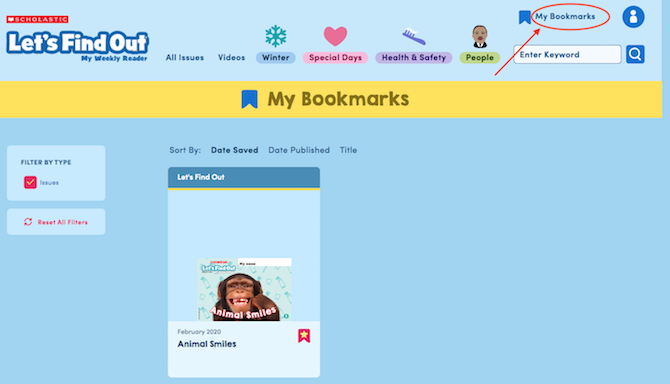
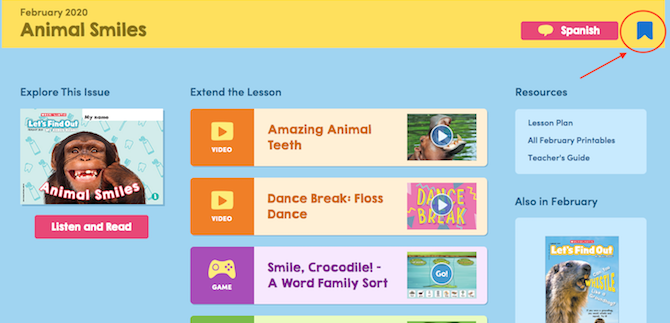
To make them even easier to find, you can bookmark resources to create your personal mini-archive. Just click the blue bookmark icon on the upper right to save the resources you want.
Then go to “My Bookmarks” to see all your saved resources.